
the $29 Ableton Live killer
I love this app

Tons of modern bands “run tracks.”
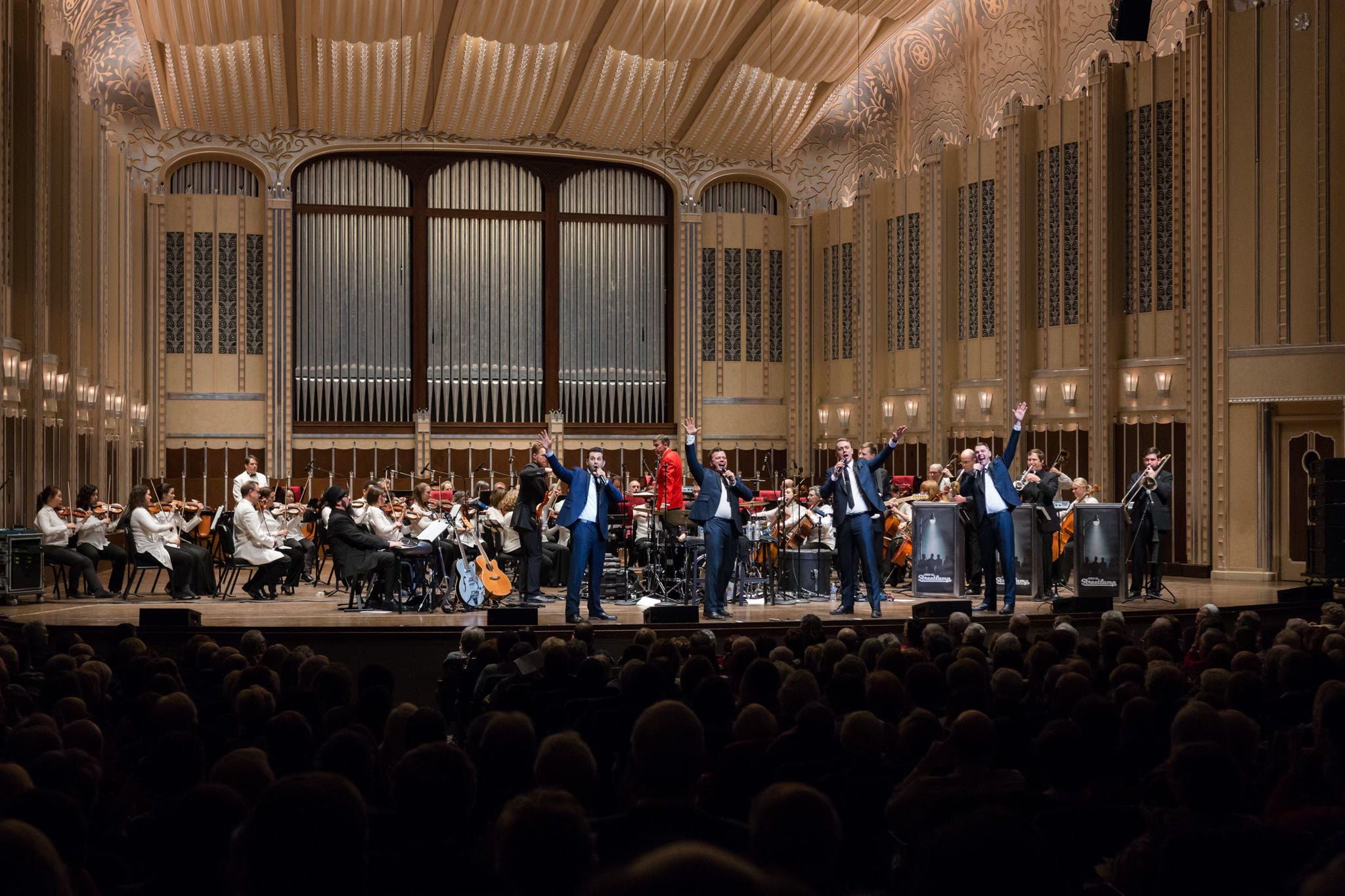
Because we’re eleven strong1 on stage, we don’t send anything extra to front of house. But we do run a click, count-ins, and pitch cues to our IEMs. Like most bands, we’ve been using Ableton Live for this.
Ableton Live is great: powerful, dependable, flexible, and the industry standard.
But Ableton Live also sucks: it’s expensive, requires a powerful laptop to run it, and somehow—despite being the industry standard for running stage shows—still requires third-party software2 to manage setlists & and handle pauses and looped sections.
Last year I started adding tracks to solo shows.
Not for every show, but for wedding cocktail hours & first dances, it’s a huge improvement. (Most common remark at track-assisted gigs: “You’re a really good singer!” 🤷♂️) To do this, I ran Stage Traxx 3 on an iPad.
Because it runs on Mac, iPad, & iPhone, it’s an easy & robust system:
record backing tracks on Mac in Ableton3,
perform with the iPad,
keep iPhone backup on hand in case of emergency,
and iCloud keeps the three synced with no additional effort.
But StageTraxx 3 didn’t have the features to run the band’s show.
Enter Stage Traxx 4
In January, Stage Traxx got a major update.
For my solo show use, the biggest upgrade is how it handles “network sessions.”
I used to have:
iPad on my mic stand…
sending audio via 3.5mm…
to a DI box at my feet…
then two XLR cables running back to the mixer.
FOH tracks ran down the L channel
click, count, & cues to the R channel.
But now I have:
My main iPad sits on the mixer rack…
connected directly via USB...
everything gets its own channel: Click, count, cues, bass, perc, and synth pads.
My old, unloved iPad now lives on my mic stand…
connected via wifi…
and controls the main iPad: sort of a glorified remote control & display.
Setup & teardown are faster. And more importantly: zero wires onstage.
But can it replace Ableton Live with the band?
StageTraxx 4 brought better handling of “audio regions.”
Just like when running AbleSet + Ableton Live, I can now tell StageTraxx to loop a section. Or play a section and then pause. Or skip a section altogether.
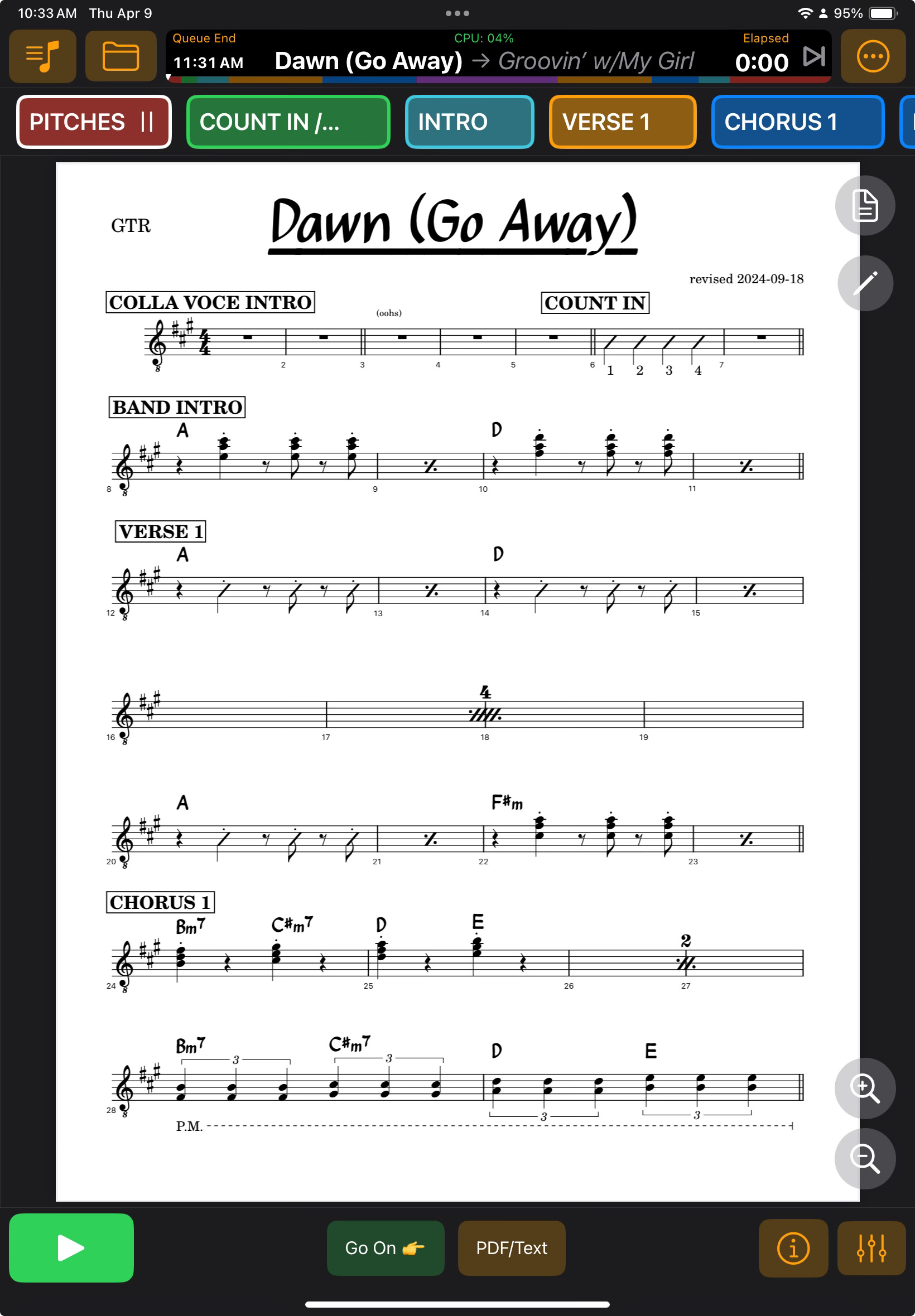
And for looped sections, I don’t have to manually set their length by dragging a marker on an iPad screen—I can automatically import Audio Regions from the Marker Tracks in the metadata of an audio file exported from Logic.
Starting with our short February tour, our band is now all-in on StageTraxx. It’s easier to run, the equipment is easier to travel with, it’s way cheaper4, and it looks better onstage.
But can it replace Ableton in any show?
The fine print—ST4’s limitations
If you’re developing a show, you should stick to Ableton Live.
Once it’s dialed in, ST4 is almost certainly enough to run it. But for making quick edits on the fly, Ableton Live is unmatched. (For example, while ST4 can change tempo or pitch, it can’t alter the tempo of just one section of the song.)
If you’re running a complex stage show with live pitch correction, stick with Live.
Modern playback rigs often feature three MacBooks—the main playback rig, the redundant failover rig, and a third one that accepts MIDI pitch data from the main rig, then uses that to run pitch correction on the lead vocal. I suppose you could do this with ST4, but it’d be a little clunky.
The bottom line
If you’re a solo act, small group, bar band, or wedding pro, you owe it to yourself to check out StageTraxx 4. It’s silly good for the money, and—unlike Ableton Live—is purpose-built for these exact scenarios.
I could also see it being a useful tool for non-gigging musicians to use around the house as their “band.”
Not sponsored—I’m just a fan
Non-affiliate link: https://stagetraxx.com
Four singers plus guitar, bass, drums, keys, trombone, trumpet, & sax
Mostly percussion & P Bass routed to FOH; click & count routed to my ears.
[$30 on a $700 iPad] vs [$750 bucks on a $2200 MacBook]